
A list of what you own
Add real estate, savings, investments, vehicles and anything else with a name, a value, a currency, the institution and notes. Safelop totals each currency on its own and does not convert with exchange rates.
By category and over time
By category shows your assets as a pie chart in one currency. Over time adds up the values you recorded, by the month you added each asset, once you have at least two months. Safelop does not track market prices. With Lifetime, a Home Screen widget on iPhone shows the total, with Hide amounts if you prefer.
A noticeboard on iPad
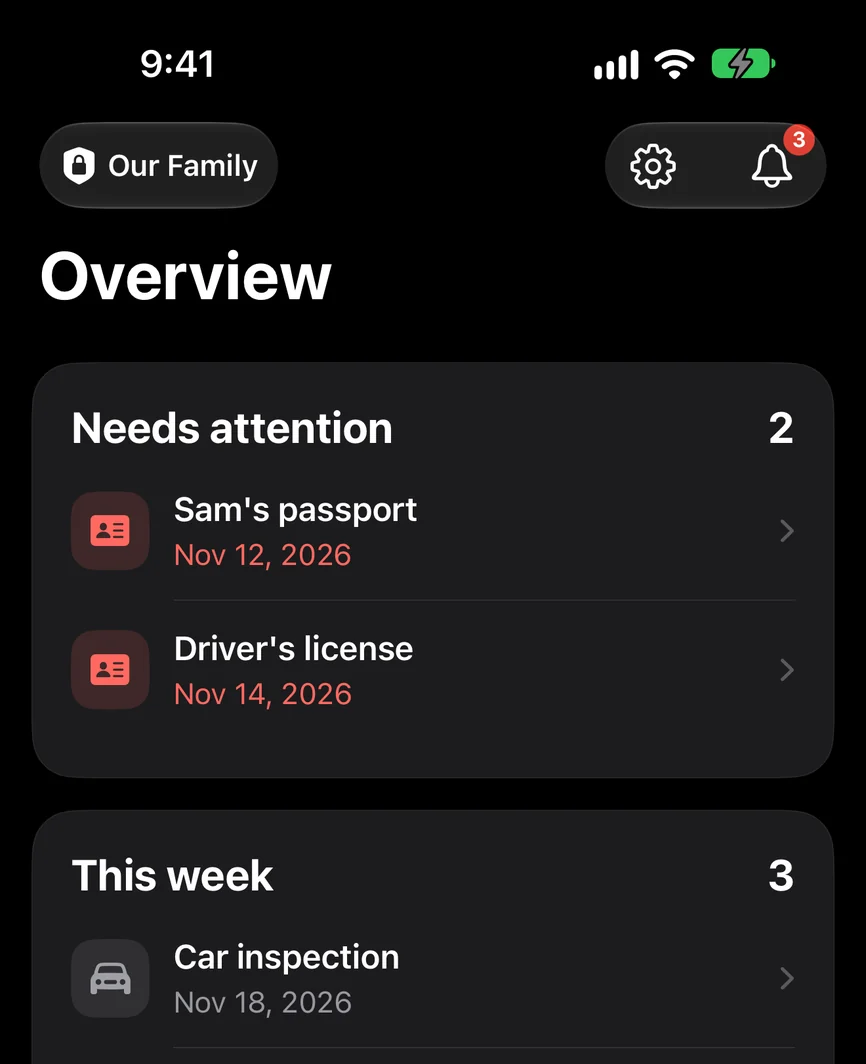
On iPad, the overview shows what is overdue, what falls due this week and which documents run out soon, on one screen you can leave on the kitchen counter. With Lifetime, Household mode on iPad adds the time, the calendars you choose, your Home scenes and the weather. Each of them stays off until you turn it on, and the weather uses your approximate location through Apple Weather.
What it is not
Safelop is not a calendar, a shopping list, a meal planner, a chat or a finance tracker. It keeps what you own next to the documents and deadlines that belong to it.
Questions
Which devices does it run on?
iPhone with iOS 26 or later and iPad with iPadOS 26 or later. There is no Android or web version.
What doesn't Safelop do?
It is not a calendar, a shopping list, a meal planner, a chat or a finance tracker.
Where is my data stored?
In your own iCloud account. The Safelop app has no server and no analytics. Shared vaults use Apple's iCloud sharing between the people you invite.